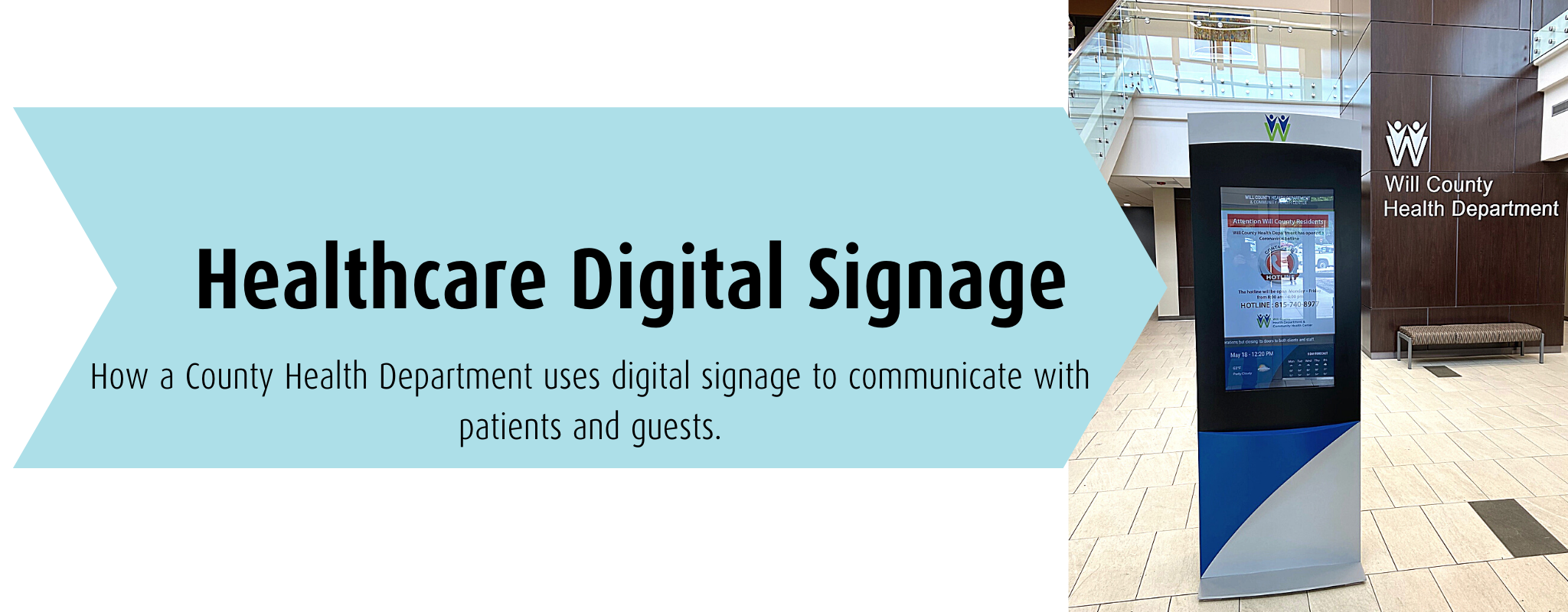
Healthcare Digital Signage for Todays Changing Environment
Learn 4 Ways Will County Health uses its digital signage to communicate with patients and guests.
4 Ways Will County Health Department uses digital signage to communicate with patients and guests.
We really like it and have received a lot of positive feedback.
Communicating critical healthcare information and scheduling are key.
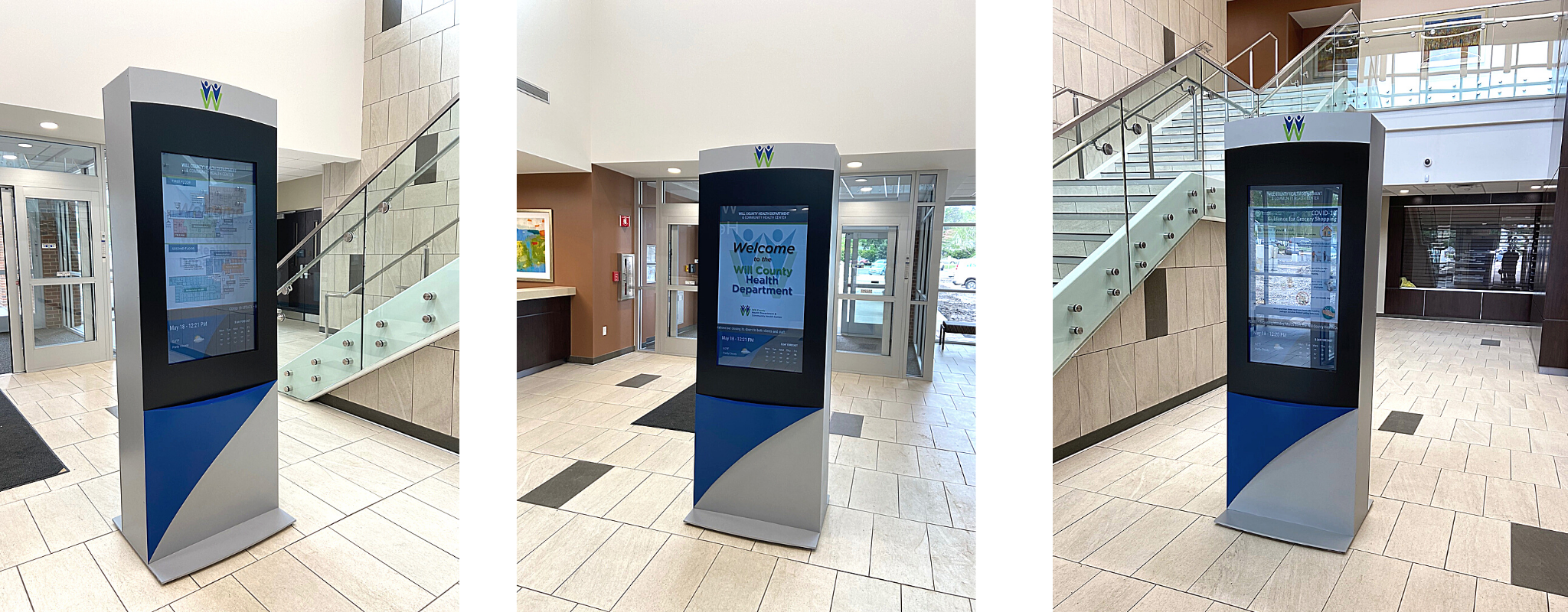
Critical alerts and healthcare information at Will County Health Department can be easily conveyed and updated remotely. Content for this digital kiosk’s screens includes public service announcements, educational slides, and videos to communicate information to patients and visitors. All information can be updated remotely and a schedule can be developed as the day progresses.
Pro Tip 👉🏻 Scheduling is key, think breakfast specials for breakfast, Wednesday community ed schedule posting Monday-Wednesday.
Wayfinding for the facility.
Since this digital kiosk is touchscreen AND double-sided, they have the ability to use one side for wayfinding which includes a facility overview and a full building directory. This helps visitors more easily navigate during high-stress times.
Pro Tip 👉🏻 Sometimes it’s as simple as leading a guest to an information desk or just get them going in the right direction. The key to wayfinding is just getting people to their next decision point, NOT giving them every detail, and expect them to remember.
Digitally sharing the story of the healthcare facility.
Community engagement is important and the history of a medical facility is essential to Will County Health. With the capability to play videos of animated images or share thoughtful interviews with historical experts, digital signage is the perfect partner to tell the hospital’s story.
Pro Tip 👉🏻 Quality sound is sometimes hard, and sometimes annoying (think waiting room areas) in big spaces so it’s good to caption any video content that is presented on kiosks. It’s always good to be thoughtful of the content deployment, audience, and environment along with ways to repurpose new and existing content for the most bang for your buck.
I’m glad that you and your team were able to jump right in and handle a lot of the coordination direct with the client all while keeping the design/construction team in the loop. The finished product looks great.
Extending their brand’s reach while complementing facility design.
This kiosk was specifically designed to complement the design of the facility and directly tie into the company’s brand. When designing kiosk enclosures our team goes to great lengths to ensure that the brand is well represented whether the screens are on or off. Keep in mind, if your screens don’t run 24⁄7 (everyone needs a break) you still want the look of a thoughtful architectural display, not the look of a broken TV.
Pro Tip 👉🏻 Nicely designed screen savers can complement your brand while also encouraging people to engage with the screen itself, especially when it’s a touchscreen. This tip will both give the screen ‘a break’ while also encouraging interaction.
Have questions? Find your expert here.
Like what you see?
Get more ideas, design, and inspiration delivered to your inbox on a monthly basis. Sign up for our email, we won’t waste your time!